.svg)
.svg)

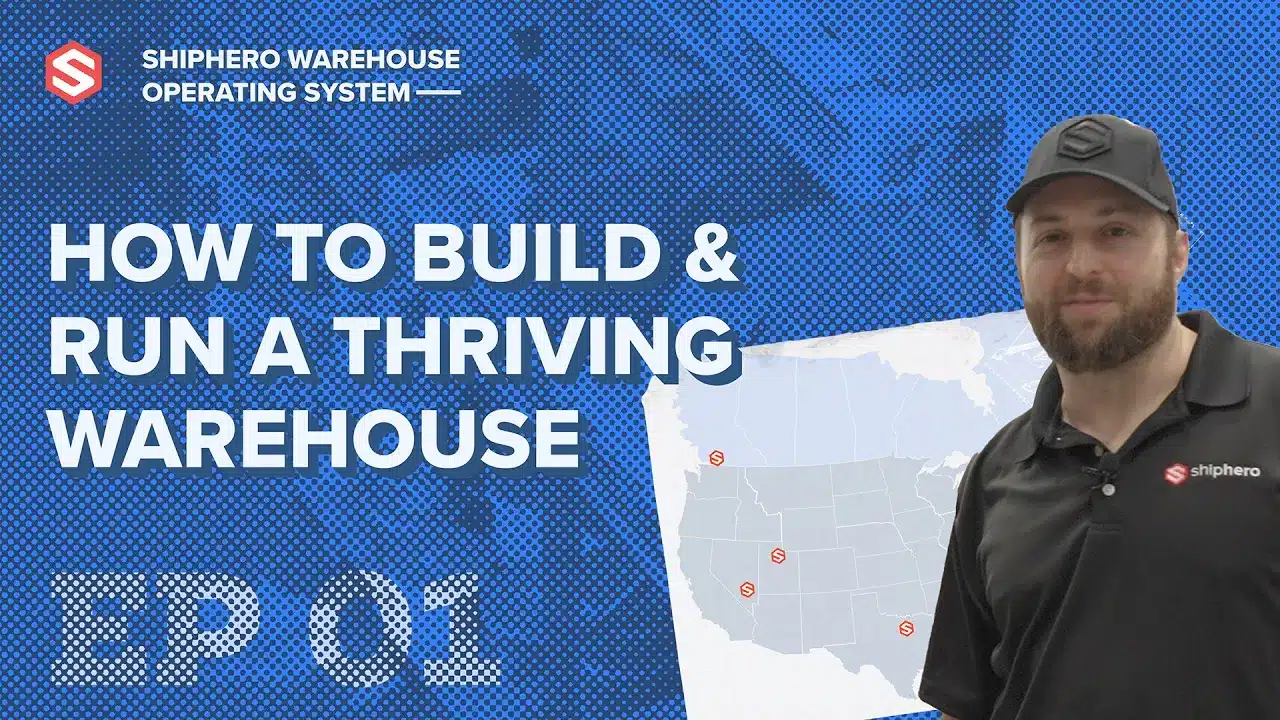
Are you tired of struggling with inventory management for your eCommerce store? 🤯 Don’t worry, we’ve got your back! In this ultimate tutorial, we’ll show you how to navigate inventory management in ShipHero like a pro, saving you time and stress! 🚀🎉
Inventory management is a 🔥 hot topic for eCommerce store owners and 3PLs alike, and for good reason. A well-organized inventory is the backbone of any successful business. That’s why using ShipHero WMS is one of the best choices you can make! 🌟
In this video, we’ll dive deep into:
1️⃣ Connecting your eCommerce provider to ShipHero software
2️⃣ Creating items individually or uploading in bulk through CSV
3️⃣ Keeping track of your inventory with location types (bins, receiving, overstock)
4️⃣ Managing inventory in real-time across all channels
5️⃣ Transferring orders and inventory between warehouses
By the end of this walkthrough, you’ll be an Inventory Management Master with ShipHero! 💪
Welcome to our how to video on inventory management in ShipHero. ShipHero’s powerful and easy to use inventory management system enables you to track your inventory availability and synchronize it with any connected selling channels. Are you ready to get started? Let's dive in. First, let's set up your inventory in ShipHero. We recommend connecting your sales channels to ShipHero. Importing your products is super easy and happens automatically. As you add new SKUs to your eCommerce sites, we download them as well. Products can also be created in ShipHero individually or uploaded in bulk through CSV file. You can also create kits, a great option if you sell items as part of a bundle. These can be created individually, as shown here or in mass through API or CSV upload. Then, of course, you must assign barcodes to your product. This can be done in several ways so you can find the one that fits your product mix best. We pull your product barcodes from the sales channels to make your life a little easier. If the SKUs don't have barcodes, ShipHero will automatically generate one for them, and then you can just adjust them in bulk later. Keep track of your inventory by creating different location types such as bins, receiving and overstock. This gives your team complete control and visibility of the stock available and ensures that ShipHero knows precisely where your products are stored. Locations can be either pickable or non-pickable. If locations are marked as pickable, the app will send pickers to the locations to pick orders. If locations are marked as non-pickable, the app will leave these off picking routes for orders. Great. Your inventory is now set up. Let's move on to managing your inventory in ShipHero. ShipHero breaks down your inventory into a variety of categories. However, your dashboard will always show the following: on hand, the total number of units physically in your warehouse. Allocated: what you owe to your customers for open orders and what is available to sell. You can also filter your inventory views into additional categories such as backordered quantities, warehouse location, or product tags like summer sale. Among many other options. We update inventory in real time across all sales channels so you can prevent overselling. Next, here you can receive inventory into your warehouse using purchased orders. Then you can use the mobile app to put away the items. The app also has a replenishment report to ensure pickable locations have enough inventory to process pending orders. And finally, you'll be able to pick, pack and ship orders. Inventory Management and order management features go hand in hand, so the picking team will only be sent to process the orders that have enough inventory available in picking locations. Now let's explore some additional features to make your inventory management even more effective. Use barcode scanning to manage inventory more efficiently. Conduct cycle counting to audit inventory levels regularly. Set automatic reorder points to ensure you never run out of stock. Use bin locations to organize inventory within your warehouse. Manage multi-location inventory across multiple warehouses. Hooray! Now you're all set to optimize your inventory and manage your warehouse like a pro. If ShipHero doesn't get you excited about inventory management, nothing will. Ready to learn more? Check out our website and YouTube channel for more feature walkthroughs and tutorials to help you master ShipHero software and happy inventory managing.
.png)
Meet the Packer Performance Dashboard, ShipHero’s latest feature that goes beyond simple pack rates.
📦 Tracks key packing events (Tote Scan, Item Scan, Print Label, Order Complete)
📈 Scores efficiency based on expected vs. actual pack time
⚡ Factors in order complexity & shipment type for real-world accuracy
Your warehouse just got smarter. Ready to optimize labor costs?
.svg)
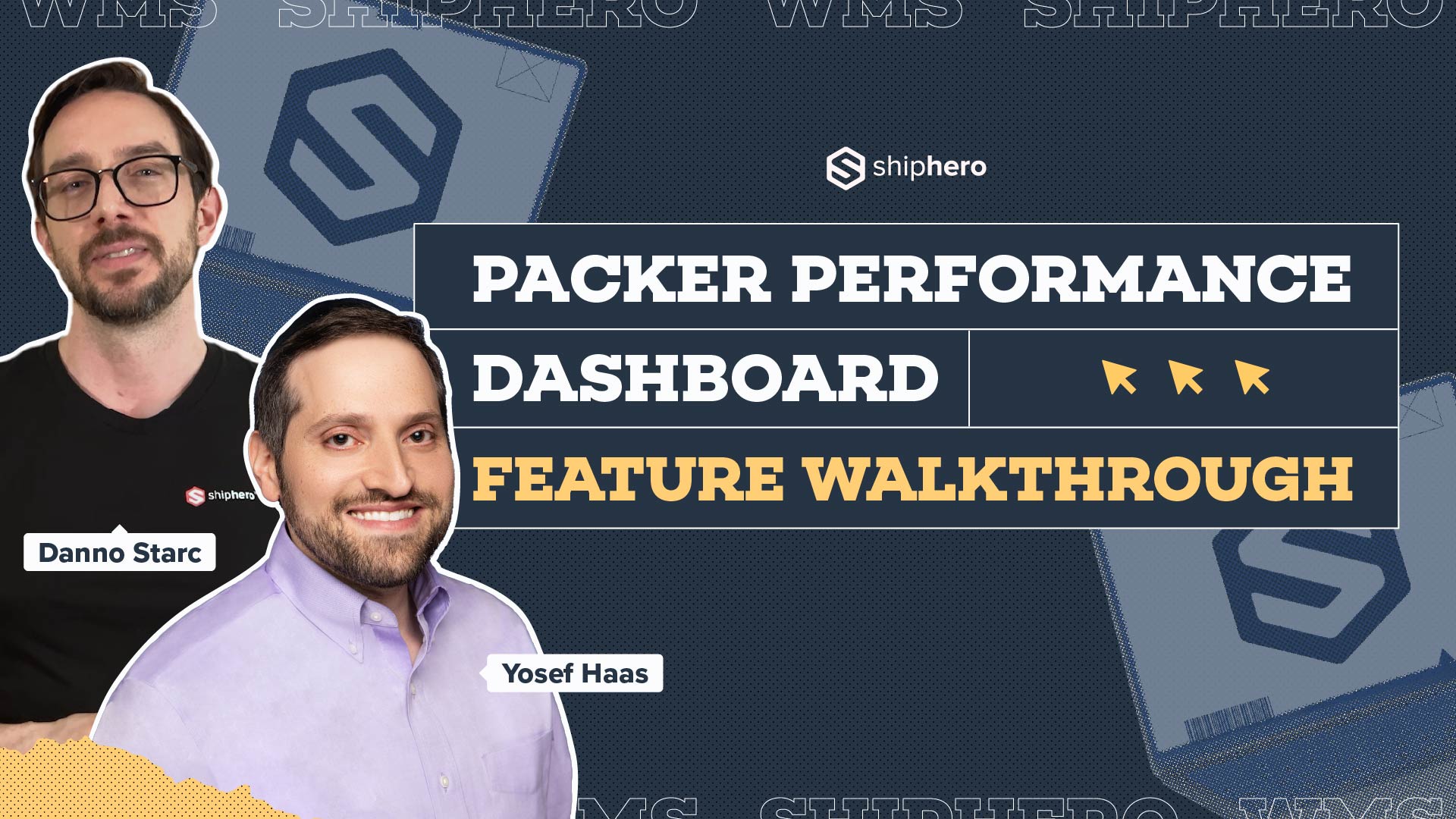
In this video, we explore ShipHero’s Packer Performance Dashboard—a powerful tool designed to provide unbiased, data-driven insights into your packing team’s efficiency. Unlike traditional productivity trackers that rely on averages, our dashboard evaluates order complexity, packing time, and individual packer performance to offer a comprehensive understanding of your warehouse operations.
Key Features Covered:
📦 Order Complexity Assessment: Learn how the dashboard differentiates between simple and complex orders, ensuring accurate performance metrics.
📦 Detailed Performance Metrics: Discover how to access real-time data on expected versus actual packing times, along with individual packer rankings.
📦 Data-Driven Decision Making: See how the tool enables fair evaluations, smarter hiring decisions, and effective team management based on factual data.
Join us for this in-depth walkthrough and see how ShipHero’s Packer Performance Dashboard can transform your warehouse efficiency.
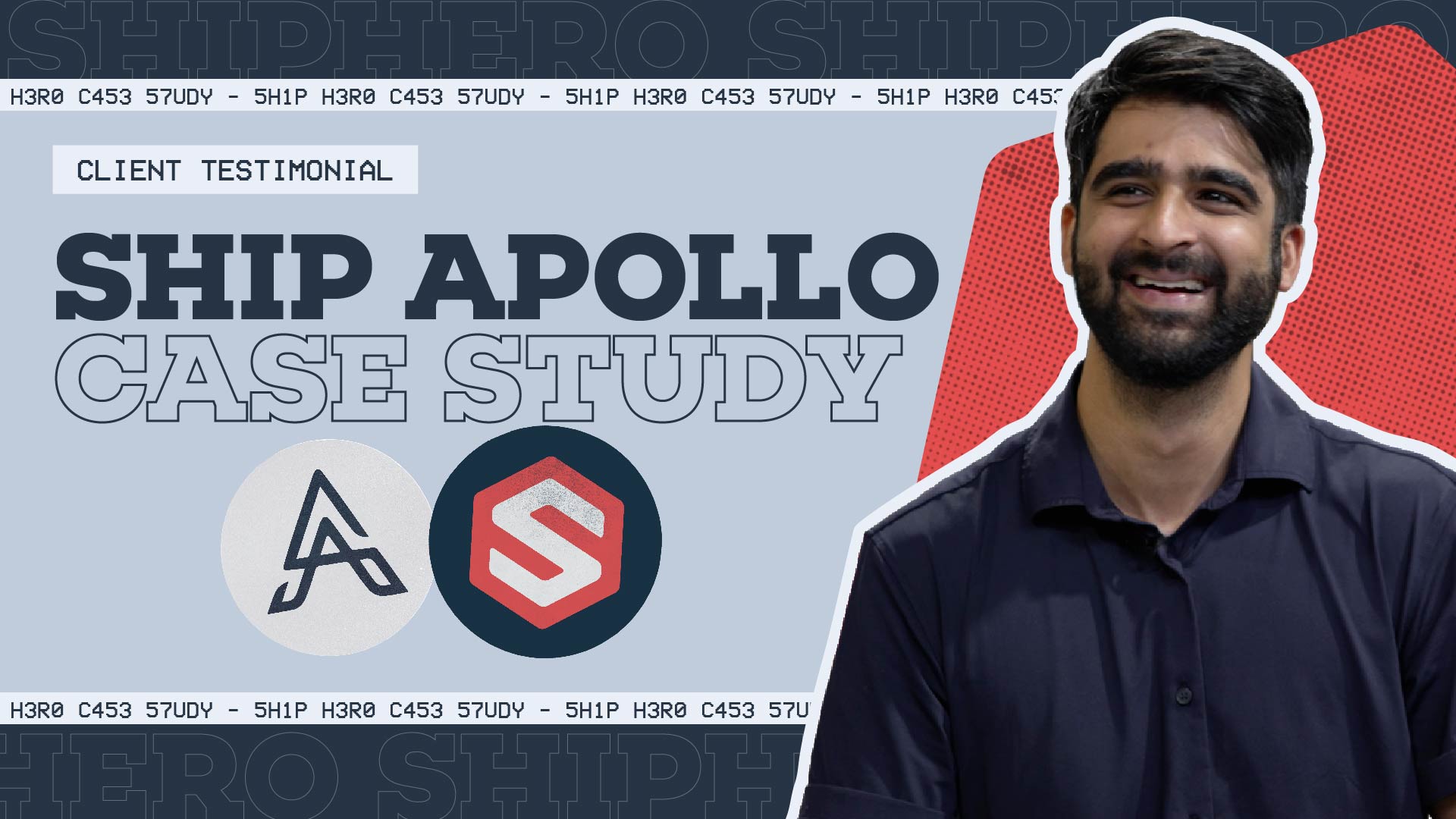
Discover how Rohan Kumar, Founder of The Do More Company, revolutionized fulfillment for Zenergy Chewing Gum using ShipHero and Ship Apollo. From scaling operations across the U.S. and Canada to seamless multi-warehouse management, hear how ShipHero’s tools have been a game-changer!
.svg)

.svg)


.svg)


